Violations, work orders and architectural reviews, captured from the driver's seat. HOACraft matches every photo to the right house and the right rule, and hands the result to the management software you already run.
Your managers already drive the community for each of these. HOACraft puts them on one route, on one phone, with one hand-off to your system.
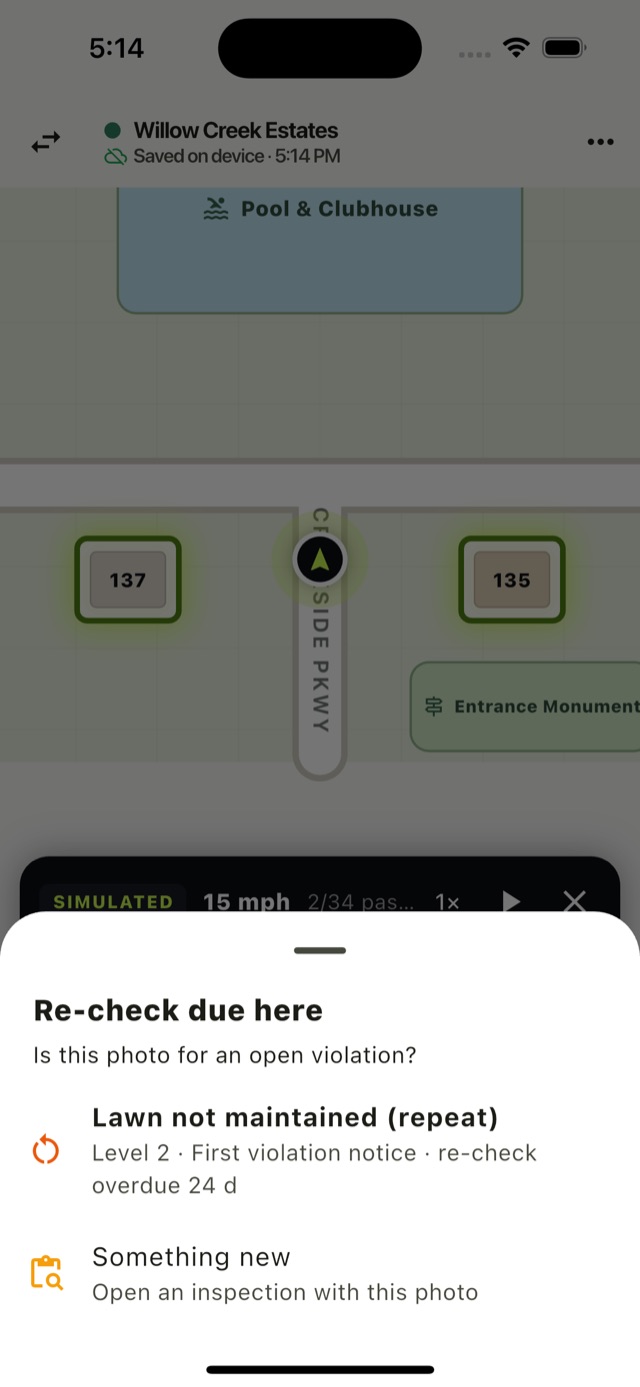
Photo to approved violation in a few taps, with the CC&R section cited and the escalation level worked out. Overdue cure dates come back as re-checks on the next drive.
Violations →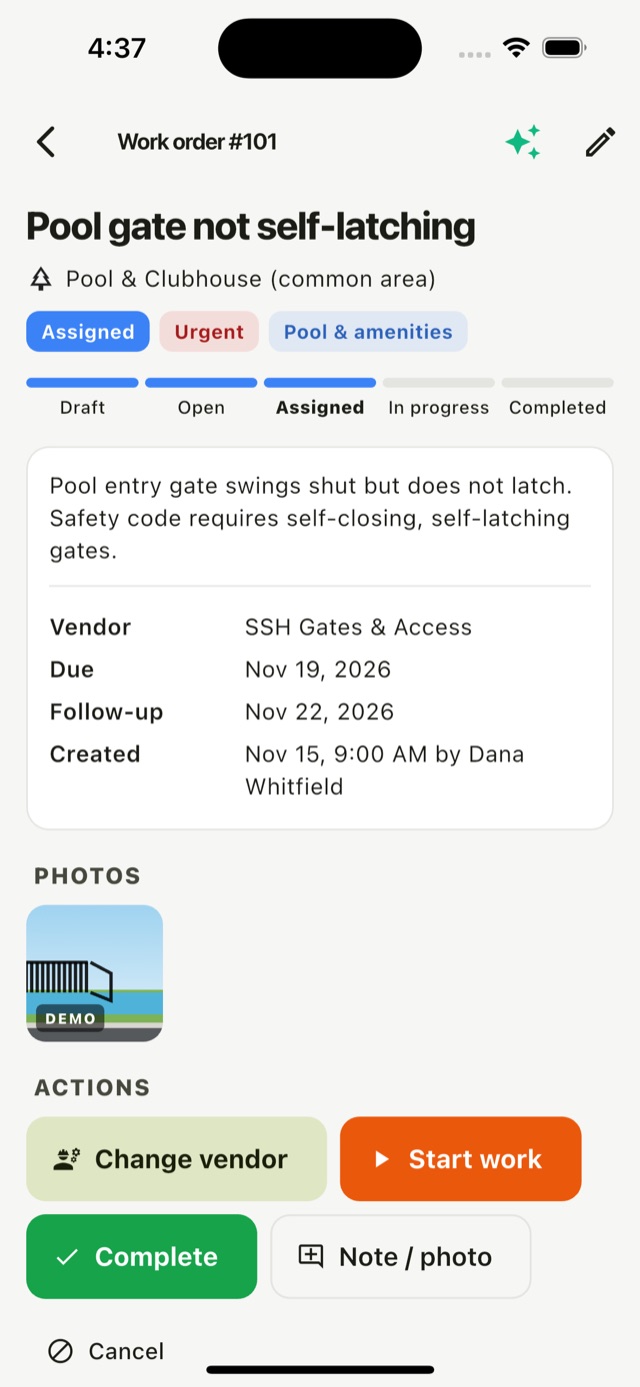
Broken gate, dead light, cracked sidewalk. Category, priority and vendor are suggested, repeats and duplicates are flagged, and every step lands on a timeline.
Work orders →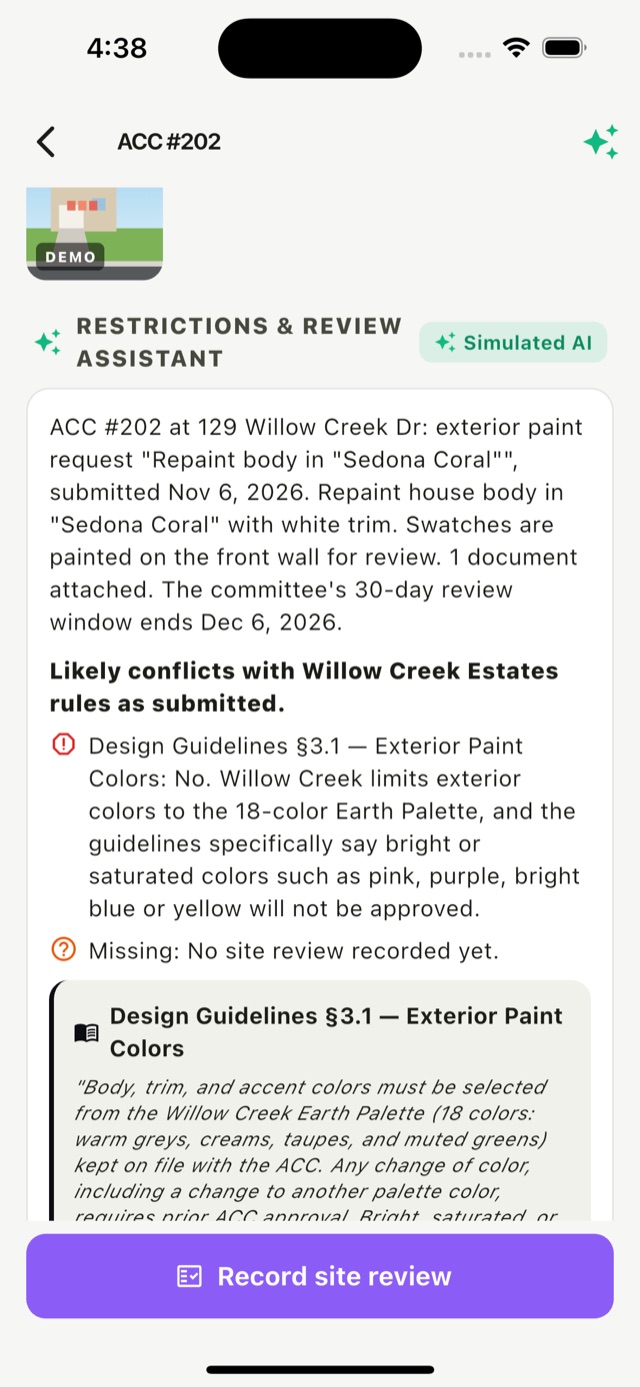
See the application and the matching design rules at the property, record what's really there, and send a recommendation. The committee still decides.
ACC reviews →Open items from all three are combined into one route, ordered street by street. Nobody drives the same loop twice in a week.
Pick open items (re-checks due, ACC site visits, work orders to check) or a full community drive.
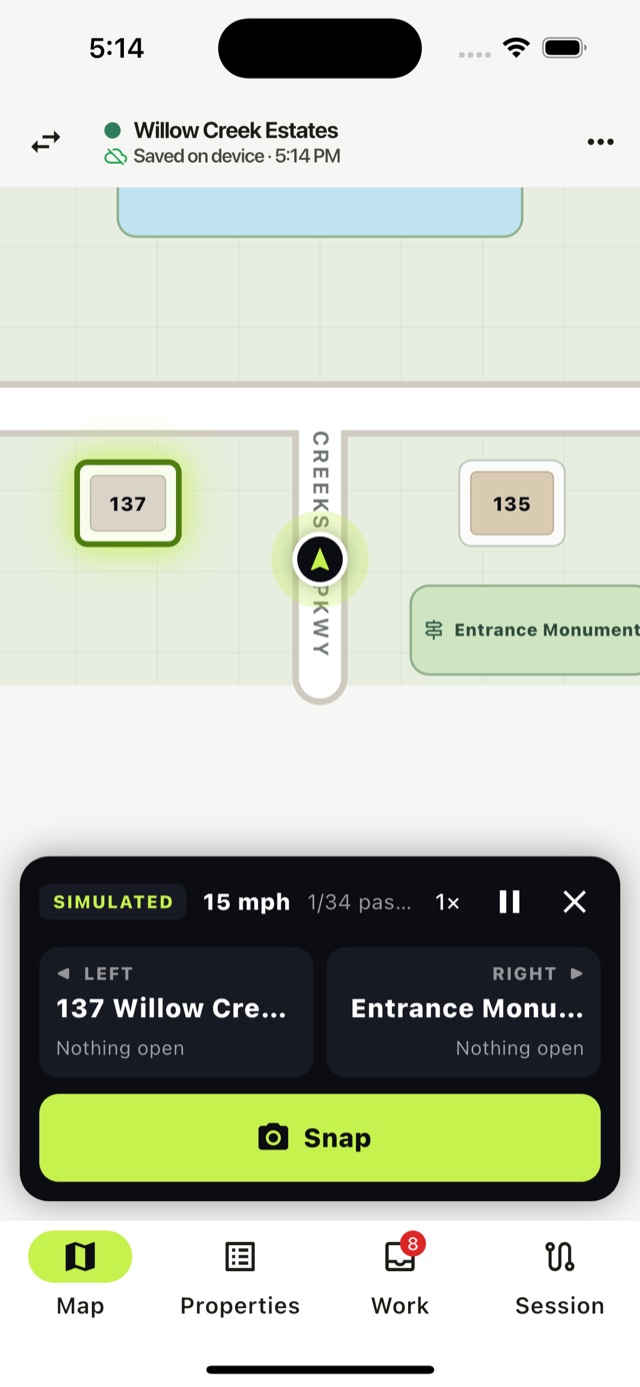
The map follows the car and shows which house is on your left and right, plus the next stop.
Snap first, match after. HOACraft suggests the house you just passed and what's already open there.
Approved violations, work orders and site reviews are sent to your system within seconds, with photos and GPS.
HOACraft doesn't replace your management platform. It does the field work and hands it over.
 HOACraft does
The full contract is public: every event, every field and a real sample of each.
{
  "type": "work_order.created",
  "data": {
    "work_order": {
      "id": "wo-ho4l8rev40-b",
      "number": 106,
      "status": "assigned",
      "title": "Pool gate latch broken",
      "category": "fencingGates",
      "priority": "urgent",
      "location": {
        "kind": "common_area",
        "address": "Pool & Clubhouse"
      },
      "vendor": {
        "id": "v-ssh",
        "name": "SSH Gates & Access"
      }
    }
  }
}No. HOACraft sends violations, work orders and ACC site reviews into the system you already use. Letters, fines, vendor payment, committee decisions and the homeowner portal stay there.
Yes. Each of the three works on its own. Most teams start with violations and re-checks, then add work orders and ACC visits to the same drives.
Any system that can receive a webhook, call a REST API, or import a CSV. If your platform needs a native connector, tell us which one: customer demand decides which connectors we build first.
Yes. Export open violations as a CSV and import the file into your system. You can switch to webhooks later without changing how inspectors work.
No. It suggests the issue, the rule, the level or the work-order category, and a person reviews every one. ACC site reviews are recommendations only; only a manager can record a committee decision.
The developer docs cover the full contract: each topic with its events, real sample payloads, signature checks in Node and C#, and the OpenAPI spec.
We'll set up one of your communities, ride along on the first drive, and connect it to your system.